

Non-PTA describes device registration. JV usually refers to a carrier-locked phone. One status does not prove the other. For eJugaar, confirm all three: the exact regional model supports eSIM, the handset is unlocked for another carrier, and you understand its PTA status. A seller’s model name or an EID screenshot is not enough.
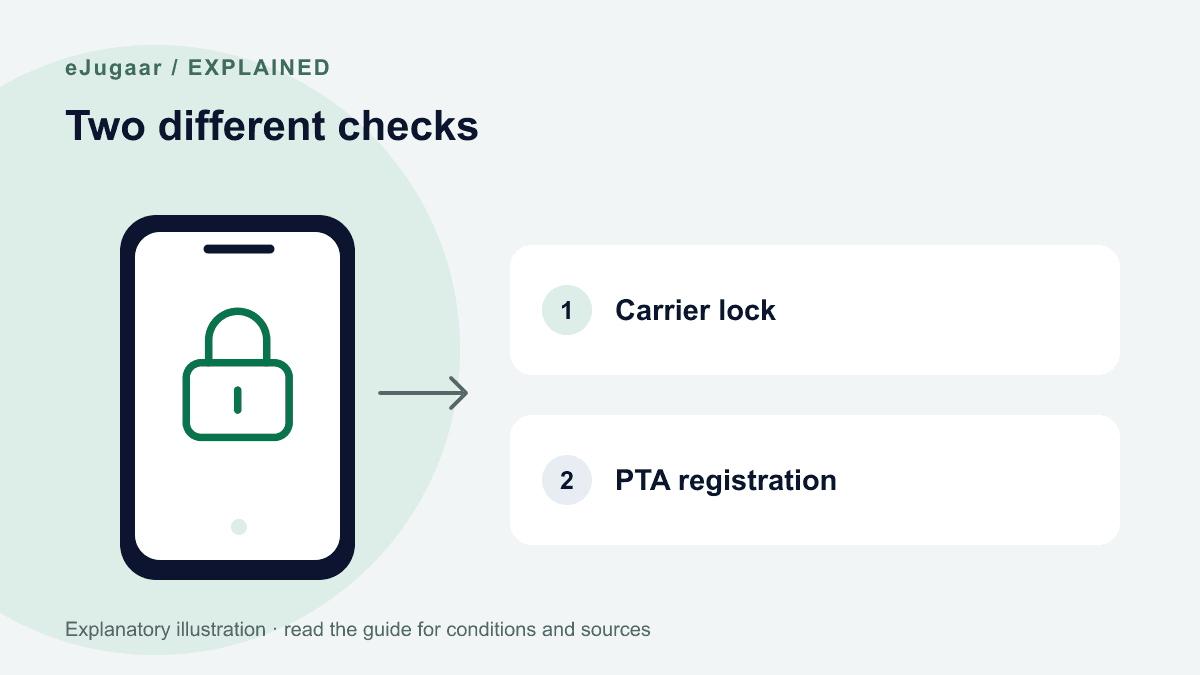
Three separate checks before payment
Registration is about the handset’s status with PTA. Carrier lock is a restriction set by the original mobile carrier. eSIM capability depends on the precise model, region and software support.
A PTA-registered phone may still be carrier-locked; an unlocked phone may still lack eSIM support. Start with the compatibility checker, then verify the exact model number and region in the phone’s settings and official manufacturer documentation.
Checking an iPhone carrier lock
In Settings → General → About, look at Carrier Lock. Apple says No SIM restrictions indicates an unlocked iPhone. A different result, missing information or a seller’s claim needs clarification with the original carrier.
Only that carrier can authorize an unlock. Paying eJugaar, installing a profile or changing APN settings cannot remove a lock. Do not buy our plan while the unlock status is uncertain.
Android and EID: useful clues, not a complete verdict
Android menus vary. Ask the original carrier or manufacturer to confirm unlock and regional eSIM support for the exact model. One working physical SIM is not proof that an unrelated roaming eSIM can be installed.
EID identifies the embedded SIM hardware. Its presence does not by itself prove that this regional variant, software and carrier combination accepts eJugaar. If Add eSIM is absent or installation is refused, pause and ask for a model-specific check rather than repeatedly scanning the QR.
If the checks fail
Do not delete an existing eSIM, reset the handset or use an unofficial unlock workaround. Contact the original carrier for locking and eJugaar for an order or compatibility question.
Refund eligibility follows the refund policy, including usage and time conditions; a JV diagnosis does not create an automatic exception. For a possible registration block, use the PTA-block guide.
Questions
Will an eJugaar eSIM work on a JV phone?
Do not buy while the phone is carrier-locked or its status is uncertain. eJugaar requires an unlocked compatible handset; the original carrier, not eJugaar, handles unlocking.
My phone is PTA registered — can it still be locked?
Yes. Registration and carrier lock are separate restrictions. Check both, as well as regional eSIM support.
If the phone turns out to be JV, do I get my money back?
The published refund policy and the order’s usage and timing decide eligibility. Contact support before scanning or deleting anything; do not assume every incompatibility is automatically refundable.
And how long does a local SIM keep working?
That is a separate registration question. Check the actual IMEI and current rules with PTA rather than assuming a fresh 60 days.
If you only need internet
Data-only plans start at Rs 380. Check your exact regional model and carrier unlock first; ask the team if either is unclear.