
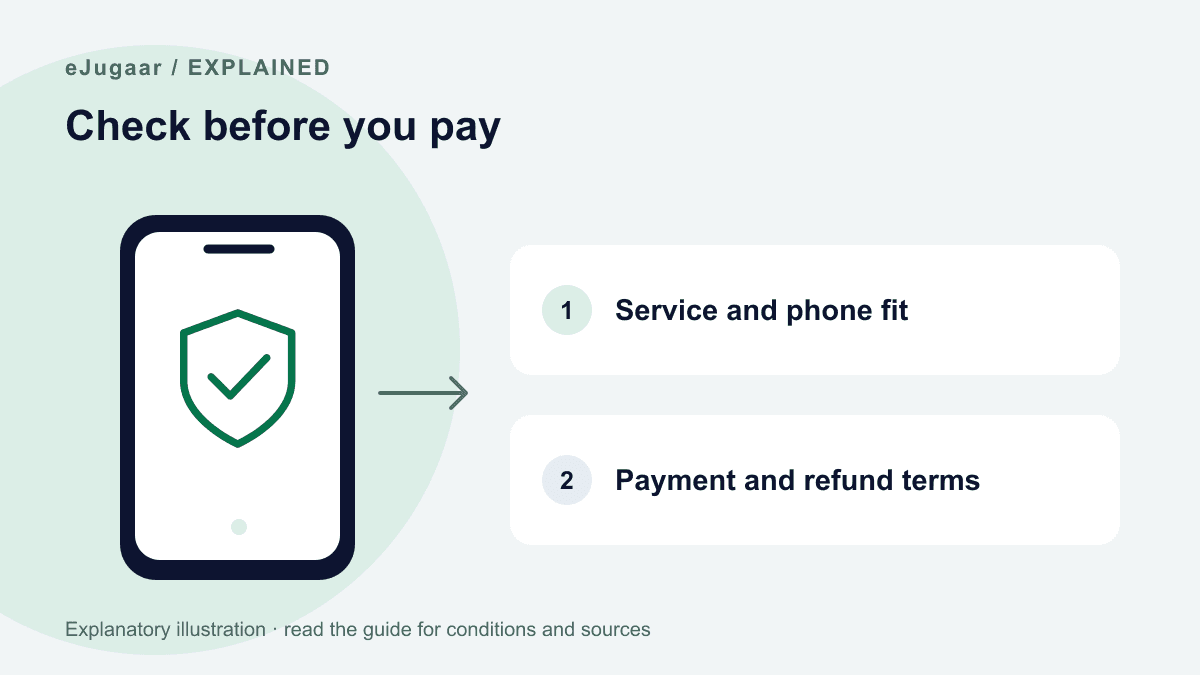
Check the seller, exact total, compatibility and written refund terms. A source-based install guide is not a security certification or a guarantee of service. Use the site’s contact and policy pages to make a decision before payment. Keep login codes, bank credentials and the eSIM QR private; troubleshooting should not begin with deleting the profile.
Know who you are paying
The About page identifies who runs eJugaar; Contact lists the support channel and hours. Check those pages yourself rather than relying on a forwarded screenshot or an unsolicited message.
A guide citing Apple or Google is using their published support information. It does not mean those manufacturers endorse eJugaar, that every phone was physically tested, or that the business has a security certification.
Read the amount and refund conditions first
Base prices are on Plans. Checkout adds 1–99 paisa to identify a transfer and shows the final amount; send that exact total through the stated payment process.
Read the refund policy before scanning. The unused-QR refund window and exclusions are conditions, not an unconditional promise. A compatibility problem should be raised with support before installation or further attempts.
Keep these details private
Do not share your email login code, bank OTP, wallet or card PIN, password, QR or activation code. eJugaar can check an order and resend delivery from its side; it does not need your secret codes.
For help, start with the order reference, exact phone model and region, OS version, error wording and approximate location and time. Crop screenshots to the relevant setting, hiding QR codes, activation details, full IMEI/EID and unrelated account or payment information.
A safe support process
Apple specifically warns against erasing an eSIM as a troubleshooting step without carrier direction. Do not delete/reinstall the profile, reset the device or reset network settings before issuer help. These actions may remove working services and do not unlock a phone.
Use the ordered connection checks and compatibility checker. Data collection and handling are described in Privacy; do not infer that a data-only plan overridees a bank’s own security or verification requirements.
Questions
Why is payment taken first?
An eSIM is a digital product supplied after payment. Check the exact checkout amount and written refund conditions first; contact support before paying if compatibility is uncertain.
What if the QR is slow to arrive?
Check payment and order status, then contact support with the order reference. Do not send an OTP, PIN, QR or activation code to someone claiming that it will speed delivery.
Is this legal?
eJugaar supplies a roaming data service; it does not register an IMEI or replace any duty or legal obligation. Current PTA requirements were not freshly reverified in this update; confirm your circumstances with PTA.
My phone has no eSIM — then what?
Do not buy if your exact regional model does not support eSIM or is carrier-locked. Check the manufacturer and phone checker before payment; EID alone does not confirm support.
If you only need internet
Data-only plans start at Rs 380. Check your exact regional model and carrier unlock first; ask the team if either is unclear.