

A data eSIM can provide an internet connection, but it cannot guarantee a banking app will approve a login or transaction, and it cannot receive SMS OTPs. The bank controls account verification, device binding and supported login methods. Keep access to the registered number and check your bank’s exact requirements before depending on a data-only plan.
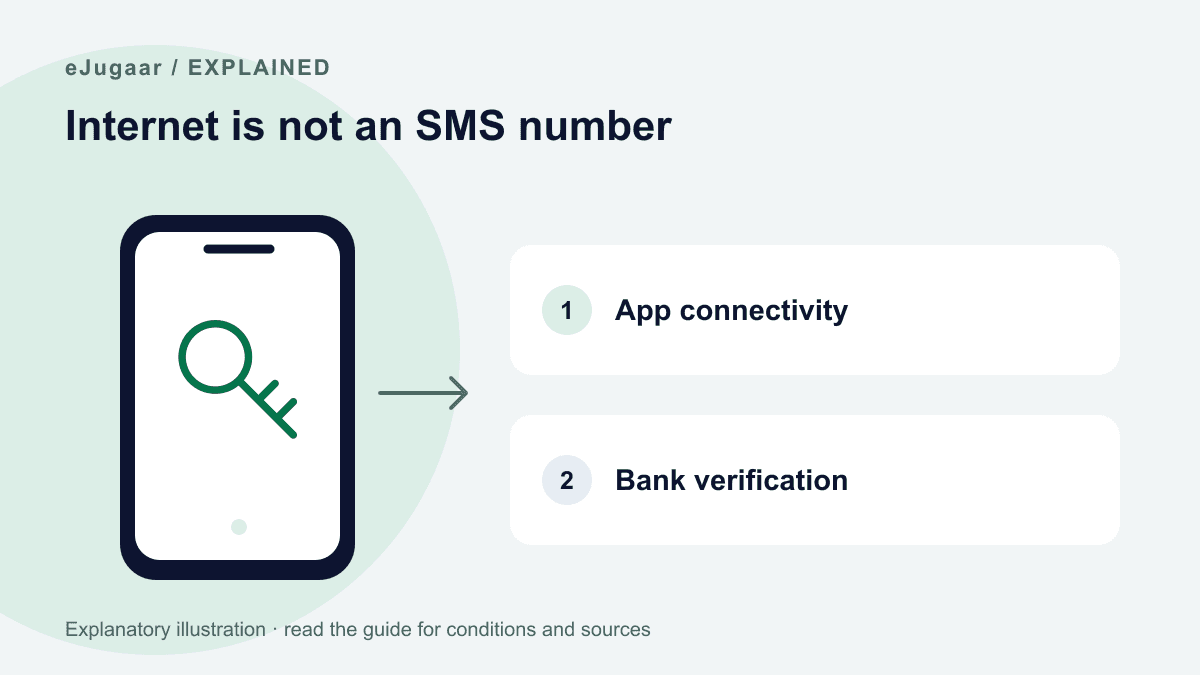
Internet access is only one requirement
A webpage loading proves a data connection, not that a bank will accept the device or transaction. A bank may impose device registration, location, SIM or security checks. Those rules belong to the bank.
eJugaar supplies no Pakistani number, calls or SMS. A larger allowance changes the amount of data, not these services. Existing bank and wallet apps remain subject to their provider’s requirements; we do not promise that all features work.
Where an OTP or approval is delivered
An SMS code goes to the number registered for that bank service, not automatically to whichever SIM carries the internet. That number must remain accessible. Do not assume reading a code on a second phone satisfies an app that requires same-device verification.
Ask your bank what it supports for the exact action: login, new-device registration, transfer or card payment. Email, in-app approval and SMS are not interchangeable options unless the bank explicitly offers them.
The Meezan example has a specific scope
Meezan’s Ways to Bank page describes SMS or email verification for supported online debit-card purchases using Verified by Visa / Mastercard SecureCode. It does not promise email OTP for every mobile-app login or transfer.
Its digital-account guidelines separately describe verification using a mobile number. This is why advice to simply switch all OTPs to email is unreliable. Follow the current instructions for your own bank, product and transaction.
Before relying on a banking or wallet app
Keep the bank’s registered number available through an appropriate connection. Ask official bank support about a new device or changed SIM before you lose access; eJugaar support cannot change bank records or override verification.
Use the official app and support channel. Never share a bank OTP, password or wallet/card PIN with eJugaar or a supposed helper. We do not certify an app’s security or claim that changing the data provider leaves every bank risk check unchanged.
For an internet problem use install diagnostics. For SMS or bank verification use the bank’s support. Do not buy more data as a remedy for a missing SMS OTP.
Questions
Would a bigger plan bring SMS?
No. Every eJugaar plan is data only. More GB do not add SMS, ordinary calls or a Pakistani number.
My bank only sends the OTP by SMS. What then?
Keep access to the registered number and ask official bank support about the exact action. Email or a second handset is only suitable if that bank explicitly supports the method; we cannot override its checks.
Is using a banking app on this eSIM safe?
We provide data, not a security certification for the bank app. Use the official app, keep it updated and follow the bank’s security advice. Never share OTPs, passwords or PINs with eJugaar.
Can I change my registered bank number to this eSIM?
No. This eSIM does not provide a Pakistani phone number. Any change to a bank’s registered contact details must follow that bank’s official process.
If you only need internet
Data-only plans start at Rs 380. Check your exact regional model and carrier unlock first; ask the team if either is unclear.